> ## Documentation Index
> Fetch the complete documentation index at: https://docs.equals.com/llms.txt
> Use this file to discover all available pages before exploring further.
# Manage access to views
> Determine who can create, edit, and query a view.
Access to a view is determined by permissions to the underlying datasource. To give people access to a view, you'll need to [grant them access](https://docs.equals.com/docs/sharing-permissions#sharing-datasources) to the corresponding datasource.
Users who have access to a given datasource can:
* See any corresponding views in the views list.
* Create, modify, or delete those views.
* Query those views from any workbook.
### Dependency visibility
Currently, all users in your workspace can see the downstream dependencies of a given view from the **`Used by...`** list, even if they don't have access to those dependent views. This ensures visibility into the impact of any changes made. However, users cannot see or modify any dependent views they don’t have access to.
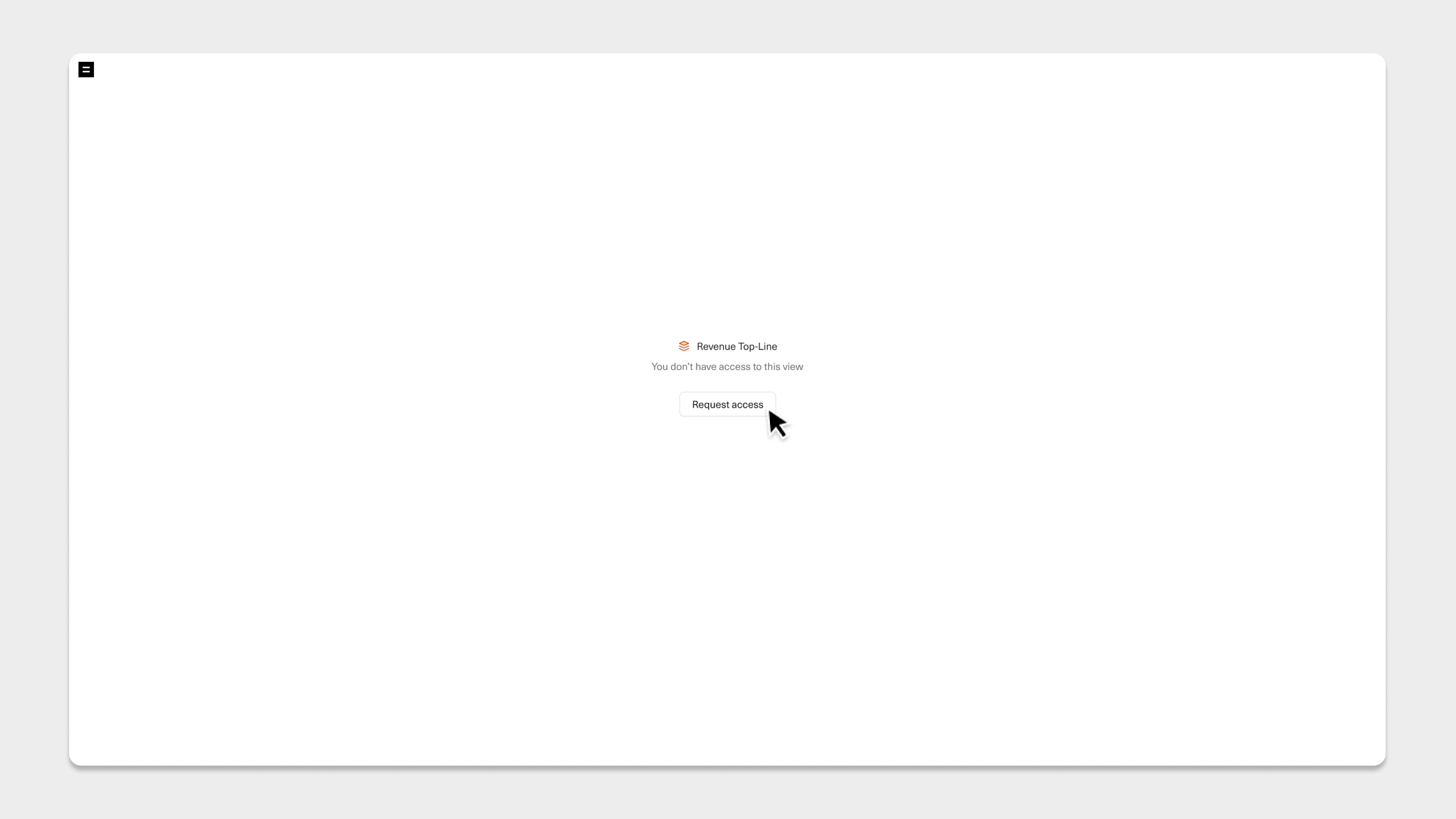
Users that do not have access to a given datasource will see a **`Request access`** screen when attempting to open a corresponding view. Selecting **`Request access`** sends a request to the creator of that datasource (as listed on the [Datasources page](https://go.equals.com/datasources) in your workspace).
 ***
[Create and edit views](/docs/create-views)
[Query views from a workbook](/docs/querying-views-from-a-workbook)
***
[Create and edit views](/docs/create-views)
[Query views from a workbook](/docs/querying-views-from-a-workbook)