

What it is
This view displays Stripe invoice data in a clean, structured format, breaking out every line item and discount within every invoice, along with any associated ARR contributions, into individual rows. This view is foundational to the ARR Build Daily by Customer view, which layers on data corrections and exclusions to create a more refined and aggregated view of ARR by customer by day.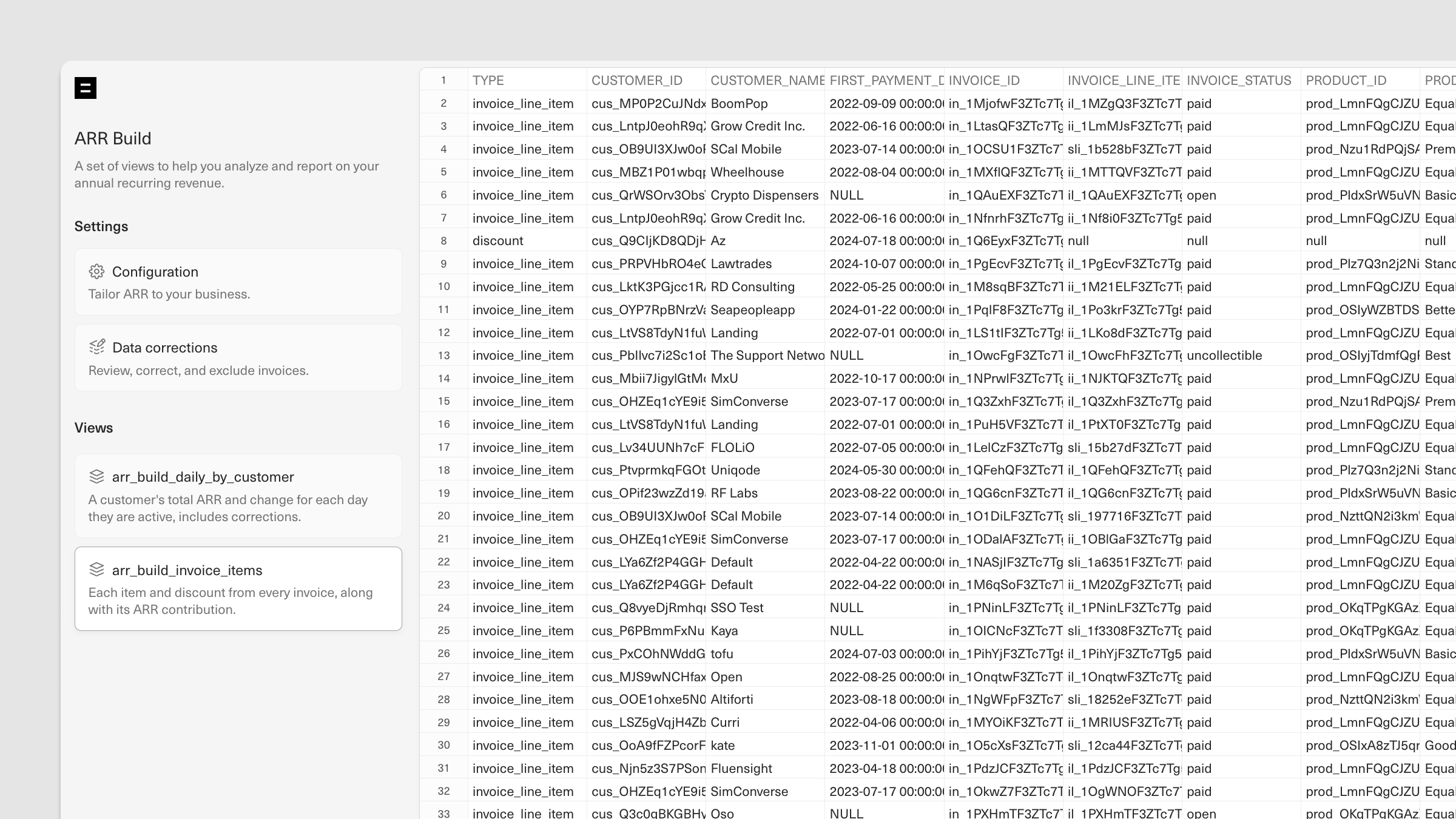
Data schema
How to use it
The ARR Build Invoice Items view provides full visibility over your Stripe invoices, making it easy to track whether invoices have been paid and analyze the impact of discounting on revenue, among other analyses.Example: Track payment status by customer
Run the starter query below to quickly identify unpaid invoices for a given customer, including the associated invoice amounts.Example: Analyze discounting trends
Track the amount of discounting across customers to evaluate the impact of discounts on revenue and assess whether your promotional strategies are meeting business goals. To get started, run the starter query below. The output will display invoice and discount amounts by customer for each reporting period. From here, you can use SUMIFS formulas to look at the data in a number of ways, including:- Identify customers with the highest discount amounts
- Compare total discounts to total invoice amounts to calculate the discount-to-invoice ratio
- Track discount amounts by month or quarter to identify trends over time
- Sum total invoice amounts with and without discounts to assess the impact of discounts on revenue
ARR Build Daily by Customer Data syncing overview